
First Look • 2026 Laptop CPUs • Panther Lake (Core Ultra Series 3)
Intel Core Ultra X7 358H: Honest First Look (No Fake Numbers)
A buyer-focused, real-world explainer of what this chip is trying to be—and the laptop design choices that will decide whether it feels “wow” or just “fine.”
“Review” is an overloaded word on the internet. Sometimes it means a week of testing, charts, thermals, noise logs, and real gaming FPS. Sometimes it’s a spec recap dressed up as a verdict. This post is neither of those extremes—it’s an honest first look at the Intel Core Ultra X7 358H: what Intel is promising, what the official spec sheet actually says, and what you should watch for when choosing a laptop that uses it.
The X7 358H sits in Intel’s 2026 “Core Ultra Series 3” mobile lineup (codename: Panther Lake). It’s designed for premium thin-and-lights that want a three-part combo: a modern hybrid CPU, an unusually capable integrated GPU, and a dedicated NPU for on-device AI features. In other words: more “do-it-all ultrabook,” less “needs a discrete GPU to be interesting.”
What this post is—and isn’t
- Is: a practical buying guide + platform breakdown based on Intel’s official specifications and launch materials.
- Is not: a benchmark shootout, and it will not invent numbers, FPS, or battery life claims.
- Goal: help you decide whether to wait for X7 358H laptops, which configurations to prefer, and which traps to avoid.
The headline: a “thin-and-light” CPU with a serious iGPU + NPU
The easiest way to understand X7 358H is to view it as Intel’s attempt to push “thin-and-light” into a new comfort zone: the kind of machine you can use for heavy browser work, office multitasking, light-to-medium content creation, and some gaming—without automatically stepping up to a discrete GPU laptop.
Officially, the X7 358H is a 16-core / 16-thread hybrid part arranged as 4 Performance-cores (P-cores) + 8 Efficient-cores (E-cores) + 4 Low Power Efficient cores (LPE). Turbo goes up to 4.8 GHz, with 18 MB Intel Smart Cache. The base power is listed at 25W, with turbo power up to 80W (and a minimum assured power of 15W). This wide power range is not trivia—it’s the single biggest reason why two X7 358H laptops can feel very different.
Then there’s the integrated graphics. X7 358H includes Intel Arc B390 integrated graphics with 12 Xe-cores and hardware ray tracing. For the iGPU class, that’s the point: this is not a “just for display” integrated GPU; it’s meant to be used.
Finally, the “AI PC” angle: X7 358H includes an NPU rated at 50 TOPS (INT8) on Intel’s spec sheet. Whether that matters to you depends less on the TOPS number and more on whether your apps actually target the NPU. The good news: Windows and mainstream creative/communication apps are increasingly leaning into NPUs for background effects and local acceleration. The honest news: if the software doesn’t use it, it might as well not exist.
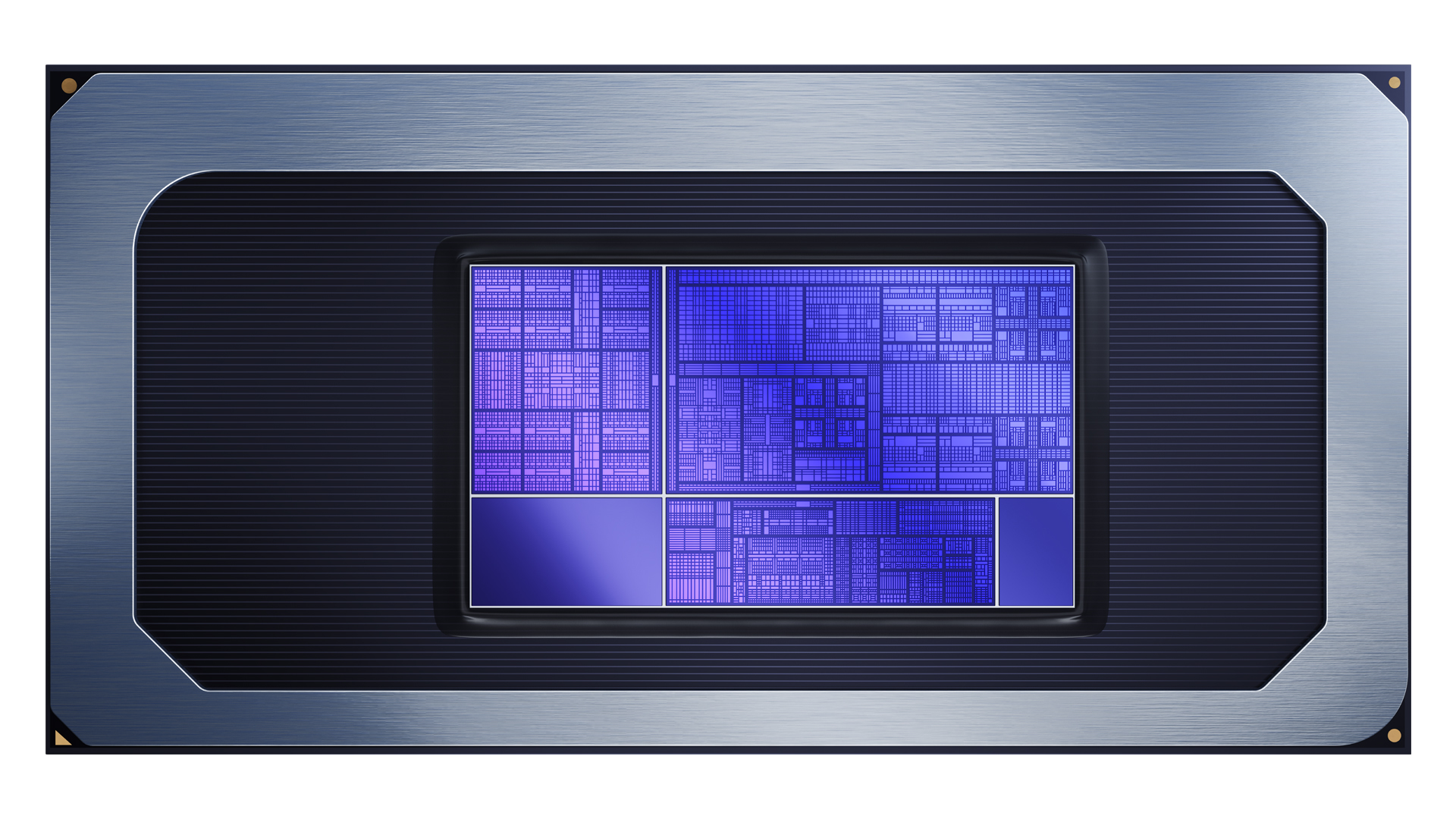
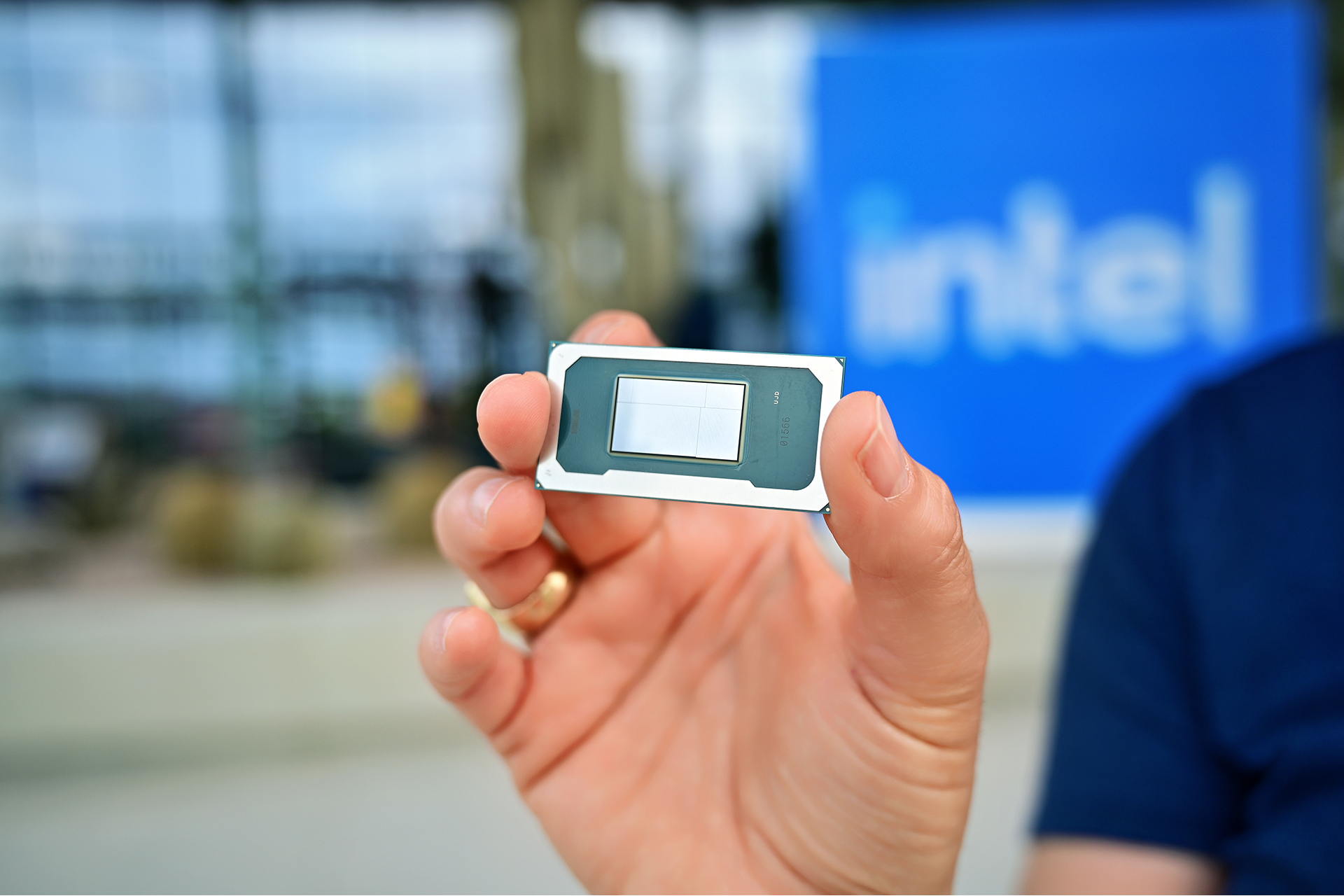
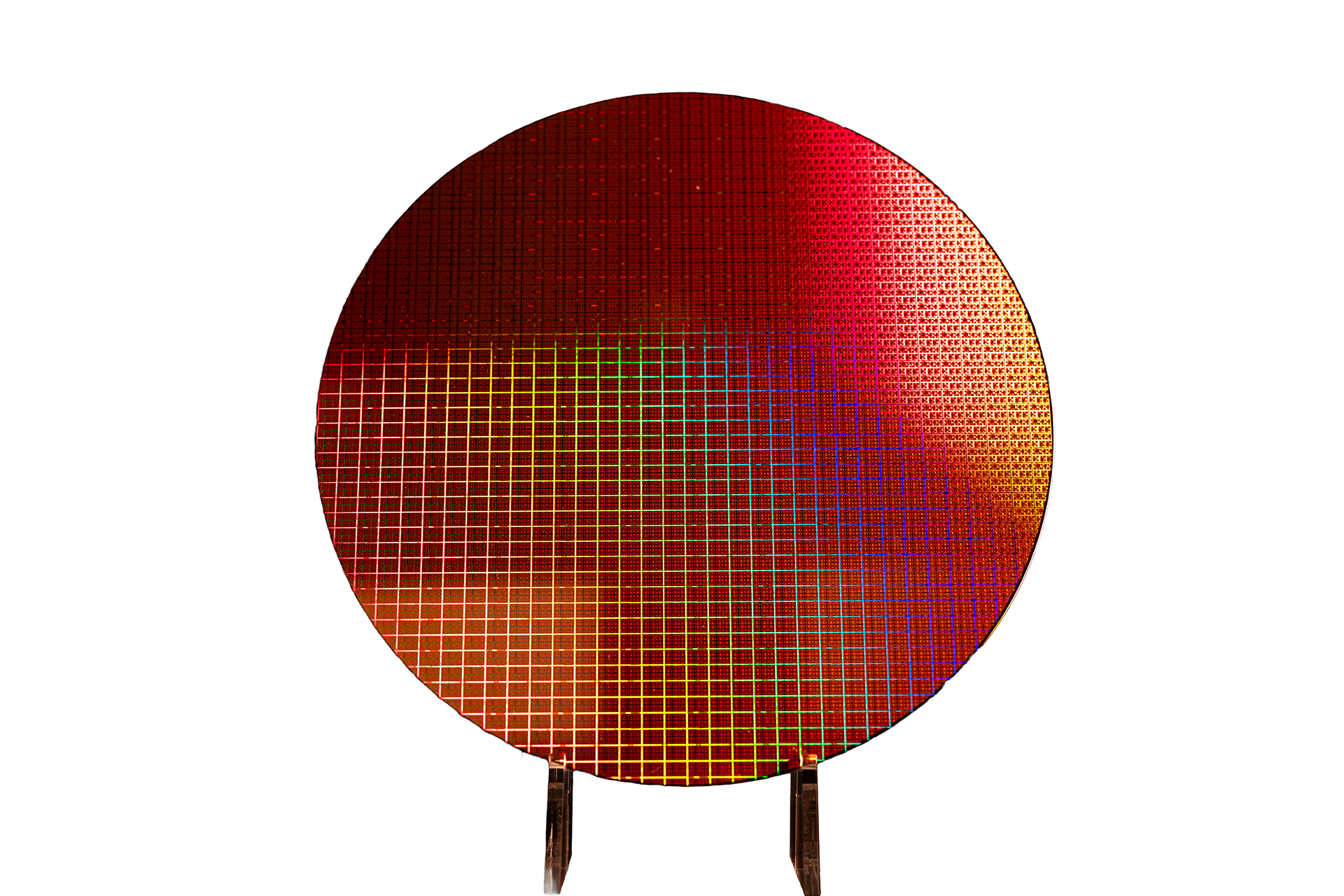
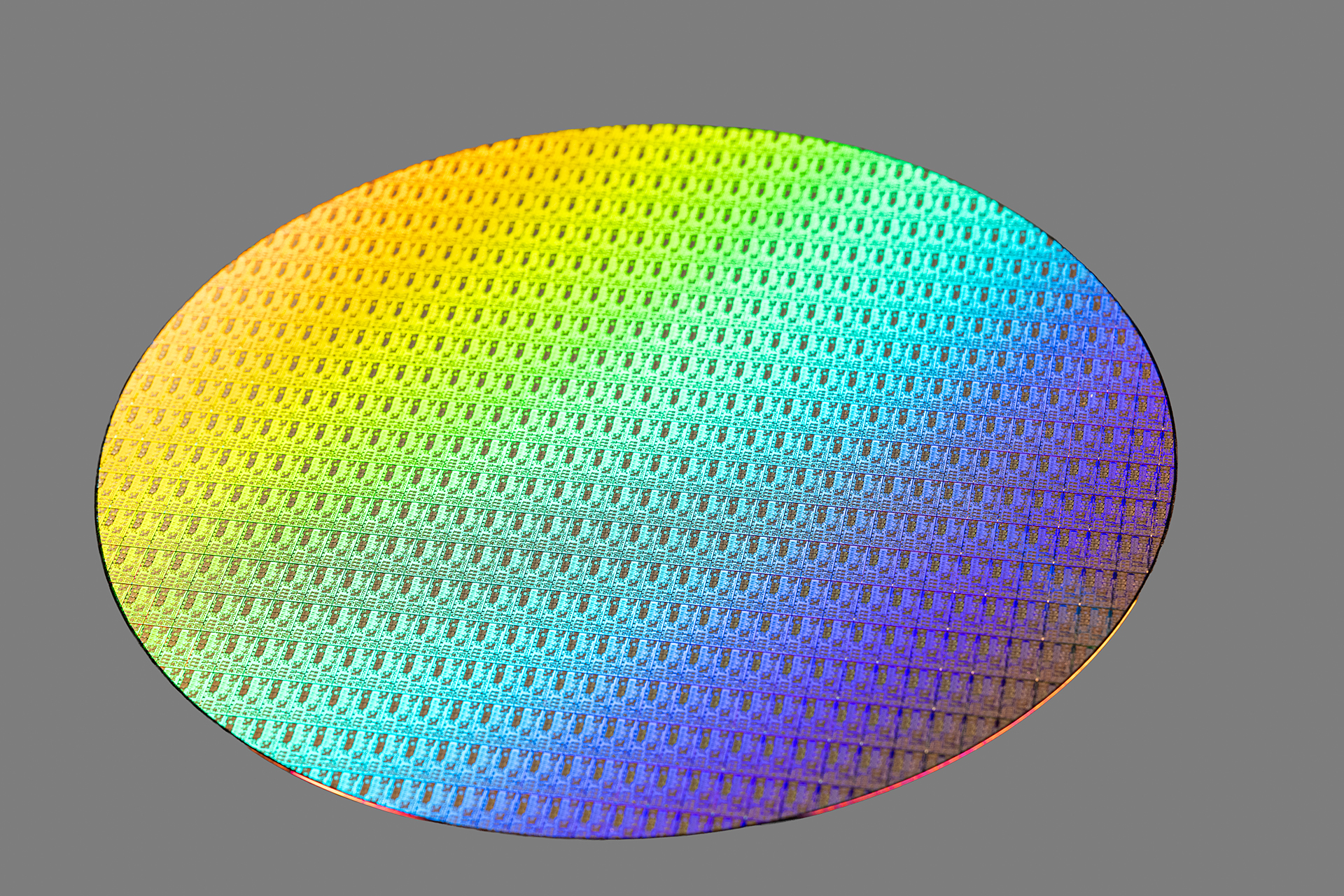
Official gallery (Intel only)
The images below come from Intel’s official Newsroom/press kit assets for the Core Ultra Series 3 launch. Captions reflect Intel’s own crediting.

Why the laptop matters more than the CPU name
If you take only one idea from this post, make it this: the X7 358H will “review” differently depending on the laptop. Intel’s official power figures show a chip that can behave like a restrained 15–25W ultrabook part in one chassis and a much punchier 45–80W burst monster in another.
That means you should treat “X7 358H inside” as the start of the conversation, not the conclusion. For the same CPU:
- Thin 14-inch, quiet tuning: great battery life, great everyday feel, more modest sustained performance.
- Thicker 14–16-inch, performance tuning: louder fans, higher sustained package power, better heavy-work steadiness.
- Bad tuning: impressive 30-second bursts, then a cliff—performance drops after the turbo window closes.
This is why “up to” specs can mislead. A max turbo or a max turbo power is a capability, not a guarantee of sustained behavior. It’s also why buying from a laptop line with a reputation for strong cooling (or at least transparent performance modes) is often worth it.
CPU architecture: what 4P + 8E + 4LPE is really for
The three-tier core layout is designed to solve a modern laptop reality: most of the time, you’re not “rendering” or “compiling.” You’re doing bursty work (tabs, office apps, small exports, background sync) with long stretches of light load. Having P-cores for responsiveness, E-cores for throughput, and LPE cores for background/low-power housekeeping is meant to keep the machine feeling fast without keeping the power draw high.
In plain terms: the CPU should be able to keep the “little tasks” off the big cores more often, which helps with battery life and thermals. The best-case experience is a laptop that feels snappy, stays cooler during routine work, and still has enough overhead to ramp up when you need it.
The tradeoff is scheduling complexity and OEM tuning. Modern Windows schedulers are generally good at hybrid CPUs, but edge cases happen—especially in early platform cycles. If you’re the type who runs unusual workloads (multiple VMs, odd legacy apps, niche drivers), you’ll want to watch for early adopter notes on stability and performance consistency.
Integrated graphics: the Arc B390 angle
The iGPU is the reason many people will care about the X7 358H. Intel lists Intel Arc B390 integrated graphics with 12 Xe-cores and ray tracing. On paper, that’s a meaningful iGPU tier—especially compared with “basic” integrated graphics that mainly exist to drive a display and accelerate video decode.
But iGPU performance lives and dies on two practical realities:
- Memory bandwidth: integrated GPUs use system memory, so higher-speed LPDDR5X (and proper dual-channel configuration) can be the difference between “playable” and “why is this stuttering.”
- Sustained power: if the laptop’s cooling and power limits clamp down quickly, the iGPU won’t hold its best clocks and the experience will feel inconsistent.
What to expect in the real world if the laptop is well-configured: smoother 1080p gaming in lighter titles, stronger GPU acceleration for creative tools, and better headroom for high-resolution external displays. What not to expect: a magic replacement for a midrange discrete GPU in demanding AAA games. Integrated graphics are getting very good, but the physics of shared power/thermal budgets don’t disappear.
NPU (50 TOPS): when it matters, it feels “free”
Intel lists the X7 358H NPU at 50 TOPS (INT8). This number is easy to repeat and hard to interpret. The user-facing truth is simpler: the NPU is most valuable when it handles always-on AI features without forcing the CPU or GPU to stay active.
Good examples of “NPU-appropriate” tasks include:
- Video call effects: background blur, framing, eye-contact correction, noise suppression—when implemented efficiently.
- On-device transcription: meetings, lectures, interviews, and voice notes (depending on your app and language support).
- Image enhancements: subtle retouching, smart selection, denoise—again, depending on the toolchain.
When those features are truly offloaded well, the result can feel “free”: less fan spin-up, less battery hit, fewer thermal spikes. When they’re not, you’ll see the old pattern: CPU usage climbs, GPU wakes up, fans ramp, battery drains. The silicon is only half the story; the software path decides the outcome.
Connectivity and platform features: small wins that add up
Even for people who don’t care about benchmarks, platform I/O and display support can be the difference between “nice laptop” and “daily driver.” Intel’s official X7 358H specs include modern external display standards and high-speed I/O like Thunderbolt 4 and PCIe support. For typical users, that translates into practical benefits:
- Docking that just works: one-cable setups with monitors, storage, Ethernet, and charging via a good TB4 dock.
- Fast external storage: useful for video projects, backups, and large datasets.
- Better display flexibility: high-resolution external monitors and modern TV connectivity (depending on laptop ports).
Do note: “supports X” on the CPU spec sheet doesn’t guarantee your laptop ships with every port exposed. OEMs can (and do) choose which ports to include, and sometimes they limit capabilities based on chassis constraints or cost targets. Always check the specific laptop’s port list.
Who the X7 358H is for
Based on its official positioning and specs, here’s the most realistic target audience.
Best fit
- Premium thin-and-light buyers who want speed without the bulk/heat of a discrete GPU laptop.
- Students + professionals who multitask heavily: dozens of tabs, office suites, meetings, light creative work.
- Creators on the go who do photo work, light-to-medium video, and value modern media acceleration.
- AI-feature users who actually benefit from camera/audio enhancements or local workflows that can use the NPU.
Maybe not
- Hardcore AAA gamers who want guaranteed high settings at high FPS—discrete GPUs still win for predictability.
- Workstation-style sustained compute (long renders/compiles all day) unless the chassis is designed to hold higher sustained power.
The buying checklist (this is where you win or lose)
If you’re shopping for an X7 358H laptop, use this checklist like a filter. It’s intentionally practical—things you can confirm in a spec sheet or a good review.
1) Memory configuration
Prioritize fast LPDDR5X where possible and avoid configurations that look like “cut corners.” Integrated graphics benefit directly from memory bandwidth, and thin-and-lights often ship with soldered RAM—meaning you live with what you buy.
2) Battery size and display choice
High-resolution OLED panels look amazing, but they can change battery dynamics. If you value endurance, check for battery capacity (Whr) and look for reviews that measure real web/video battery life.
3) Performance profiles and cooling
The best X7 358H laptops will offer transparent performance modes (Quiet/Balanced/Performance) and won’t hide aggressive throttling behind marketing. If a review shows stable sustained behavior, that’s a strong sign.
4) Ports you will actually use
Thunderbolt 4 support is great, but only if the laptop exposes the ports and routes them properly. If you plan to dock, check for TB4/USB4 ports, charging behavior, and monitor support.
5) Early adopter reality
New platforms can ship with early BIOS/driver quirks. If you need maximum stability on day one, wait for a few rounds of firmware updates—or buy from a laptop line known for solid support.
A cautious, honest “verdict”
The Intel Core Ultra X7 358H looks like a very strong “premium thin-and-light” CPU on paper: a modern hybrid layout, a notably upgraded integrated GPU tier, and an NPU that can meaningfully reduce the cost (in watts and thermals) of always-on AI features—when software uses it.
The real question isn’t whether X7 358H is “good.” The question is whether the laptop you’re buying lets it be good. If OEMs pair it with fast memory, a battery that matches the display, and tuning that doesn’t collapse after short turbo bursts, it can be one of the most balanced “do everything” laptop platforms of early 2026. If they don’t, you’ll still get a nice machine—but you may not get the version of “Panther Lake” you thought you were paying for.
Sources (official)
- Intel Product Specifications: Intel® Core™ Ultra X7 Processor 358H (specifications)
- Intel Newsroom (CES 2026 launch article): Core Ultra Series 3 Debut as First Built on Intel 18A
- Intel Newsroom Press Kit (CES 2026): Press Kit: Intel at CES 2026
Image credits: Intel Corporation (embedded via Intel Newsroom image URLs).